Getting users to visit your App Store or Google Play listing is only half the battle. If your preview assets do not convince them within 3 seconds, they will bounce back to search results.
An optimized App Store Preview video can increase listing download conversion by up to 35 percent.
Here is how mobile developers create preview videos that maximize install rates.
Key Rules for App Store Preview Videos
- Show Gameplay or App UI Immediately: Apple guidelines require majority real in-app footage. Jump directly into your best interface interaction in second 1.
- Optimize for Muted Autoplay: App store previews autoplay on mute. Use bold, high-contrast captions to communicate value without sound.
- Focus on the Core Value Loop: Show the complete user journey from tapping an action to seeing the rewarding result.
The 3-Part Preview Video Structure
- The Hero Interaction (0 to 6 Seconds): Show the fastest, most satisfying interaction in your app.
- The Key Feature Tour (7 to 20 Seconds): Demonstrate 2 or 3 standout capabilities that competitors lack.
- The Final Result and Badge (21 to 30 Seconds): Show the finished screen with clear call to action to download.
Build App Store Previews in Youleey
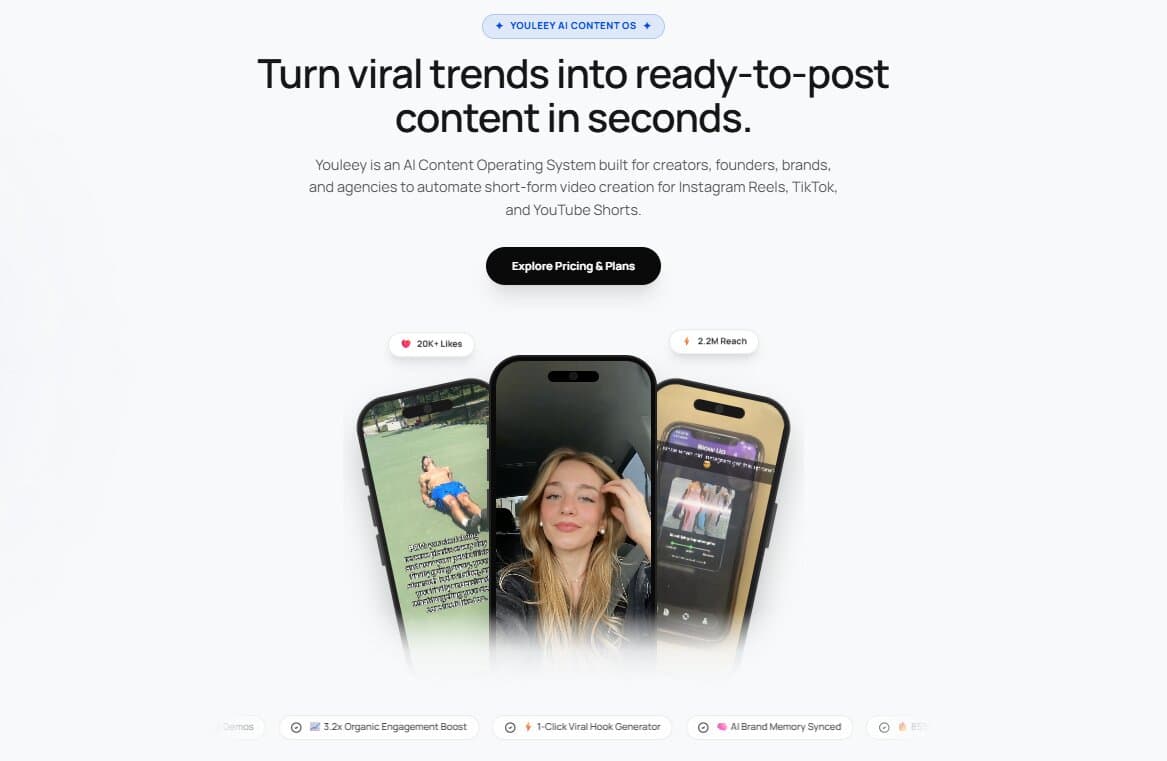
Use Youleey Content Studio to frame your screen captures inside sleek device mockups, add timed animated captions, and export compliant App Store video assets in minutes.